COMMON CAUSES
What could be happening
- File-system corruption
- Failing HDD or SSD
- USB enclosure, cable or power fault
- Partition or access-permission problem
These are possibilities, not a final diagnosis.
COMPUTER HELP · SYDNEY
If an external drive appears but files will not open, disappears intermittently, asks to be formatted or makes unusual sounds, the safest next step depends on the drive condition.
Do not format the drive or repeatedly reconnect a clicking or mechanically noisy drive if the files are important.
COMMON CAUSES
These are possibilities, not a final diagnosis.
FIRST CHECKS
SYDNEY TECHHELP SMART PICKS
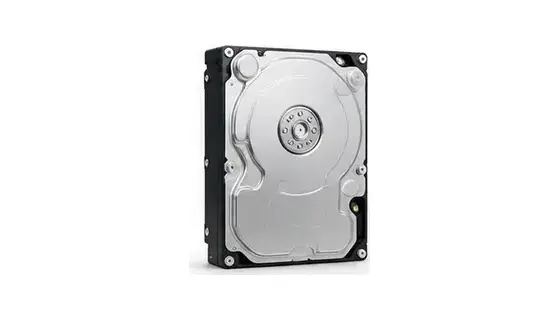
Good forKnown-good 2.5-inch SATA drives needing USB access.
Check firstDrive type and drive health before repeated access.
Why we picked itUseful for accessing or testing a known-good SATA drive externally.
As an Amazon Associate I earn from qualifying purchases.
A CLEARER REPAIR JOURNEY
Share what changed, what you see and what you already tried.
Battery, liquid, scam and data-loss concerns are flagged early.
Service type, timing and expected costs remain human-controlled.
You receive a practical explanation of the options before paid work proceeds.
SERVICE ACROSS GREATER SYDNEY
NEED HELP NOW?
Use smart booking for a prepared technician, or call if the issue is urgent.