COMMON CAUSES
What could be happening
- Weak coverage or interference
- Router or mesh configuration
- Provider/NBN instability
- Device-specific adapter or software fault
These are possibilities, not a final diagnosis.
COMPUTER HELP · SYDNEY
Intermittent Wi-Fi can come from coverage, interference, router configuration, NBN/provider issues or a single device. We isolate where the connection is actually failing.
COMMON CAUSES
These are possibilities, not a final diagnosis.
FIRST CHECKS
SYDNEY TECHHELP SMART PICKS
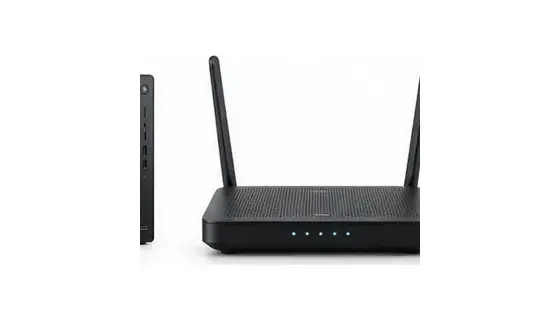
Good forHomes with genuine Wi-Fi dead zones.
Check firstNBN/provider setup and router placement.
Why we picked itStable mesh option for larger homes and multi-device use.
As an Amazon Associate I earn from qualifying purchases.
A CLEARER REPAIR JOURNEY
Share what changed, what you see and what you already tried.
Battery, liquid, scam and data-loss concerns are flagged early.
Service type, timing and expected costs remain human-controlled.
You receive a practical explanation of the options before paid work proceeds.
SERVICE ACROSS GREATER SYDNEY
NEED HELP NOW?
Use smart booking for a prepared technician, or call if the issue is urgent.